Most businesses don’t need an automation agency on day one. Some never need one. But if your workflows touch revenue (leads, orders, ad tracking, invoicing), there is a point where doing it yourself costs more than paying someone.
This guide shows you where that point is. You get a cost comparison of the three real options, a list of cases where you should not hire anyone, and a 5-question test you can run in two minutes.
A quick disclosure: we run an automation agency. That’s why we’re writing an article that tells you when not to hire one. An agency that sells you a five-step build for a two-step job isn’t one you want.
Your three options
Every automation project ends up in one of three places. Which one fits depends on how complex the workflow is and what it costs you when it breaks, not on how big your company is.
| Option | What it looks like | Best for |
|---|---|---|
| DIY | You or a teammate build it in Zapier, Make or n8n using templates and tutorials | Simple, linear workflows where a failure is an annoyance, not a lost sale |
| Freelancer | One specialist builds it for a fixed fee, usually from a marketplace or referral | A single well-defined workflow you can describe clearly up front |
| Agency | A team scopes, builds, documents, monitors and maintains it | Multi-system workflows that carry revenue, data or compliance risk |
The line between “freelancer” and “agency” is blurry. Many small agencies are one or two senior people. What matters is what you get: scoping, error handling, documentation and someone accountable after launch.
What each option really costs
DIY looks free until you count your own hours. For a founder, the time spent building and fixing workflows is usually the most expensive line item.
| Cost item | DIY | Freelancer | Agency |
|---|---|---|---|
| Tool subscription (USD/month) | $0–$100 | $0–$100 (you still pay) | $0–$100 (you still pay) |
| Build cost (USD, one workflow) | $0 cash | $300–$2,500 | $1,500–$10,000+ |
| Your time to build (hours) | 10–40 | 3–8 (briefing, testing) | 3–8 (briefing, testing) |
| Monthly maintenance (your hours) | 2–10 | 1–5 | 0–1 on a retainer |
| Ongoing support (USD/month) | None | Ad hoc, if they’re available | $300–$3,000 retainer (optional) |
| Error handling and monitoring | Usually none | Varies | Usually included |
| Documentation and handover | None | Rare | Usually included |
Typical market ranges as of late 2026. Prices vary widely by region and scope.
Example. A founder who values their time at $60/hour spends 30 hours building a lead-routing workflow and 5 hours a month keeping it running. Year one costs about $5,400 in time ($1,800 build + $3,600 upkeep), before a single lost lead is counted. An agency build at $3,000 plus a $200/month monitoring plan costs about the same in cash ($5,400). The difference is you get roughly 85 hours back and the workflow alerts someone when it breaks.

When you don’t need an automation agency
If your workflow fits any of these, build it yourself or use a template. Paying an agency here is wasted money.
- It’s two or three steps in a straight line. A new form entry goes to a Google Sheet and a Slack alert. A template does this in 20 minutes.
- A failure costs you minutes, not money. If the workflow stops and nobody notices for a day, nothing important is lost.
- The tools already integrate natively. Many CRMs, form builders and email tools have built-in connectors. Check those before building anything.
- You’re still changing the process every week. Automating an unstable process just locks in the mess. Run it by hand until it settles.
- The volume is tiny. Ten manual tasks a week rarely justify any build at all.
- You enjoy it and have the time. Some founders like building workflows. If it isn’t taking time away from selling, keep going.
If you’re in this group, start with this comparison of n8n, Make and Zapier to pick a DIY tool.
When an agency pays for itself
An agency earns its fee when a broken workflow costs real money and building it right needs skills you don’t have in-house.
| Situation | Why DIY struggles | What a good agency adds |
|---|---|---|
| Revenue-critical lead routing (ads → CRM → sales team → WhatsApp or email) | A silent failure means leads sit unanswered for days | Retries, fallback routes and alerts when a step fails |
| Ad conversion tracking (offline conversions, CAPI, server-side events) | Mistakes don’t show errors; they quietly corrupt your ad optimisation | Tested event mapping, deduplication, and checks against platform reports |
| Five or more connected systems | Each new link multiplies the ways it can break | Architecture that isolates failures and is documented |
| Fragile or rate-limited APIs | Workflows fail at volume or when an API changes | Queueing, rate-limit handling and version monitoring |
| AI steps in the workflow (classification, drafting, data extraction) | Unchecked AI output goes straight to customers or your CRM | Validation rules, human-review steps and cost controls |
| Customer or financial data | Data ends up in logs, sheets and tools it shouldn’t | Access scoping, secure credentials and a data map |
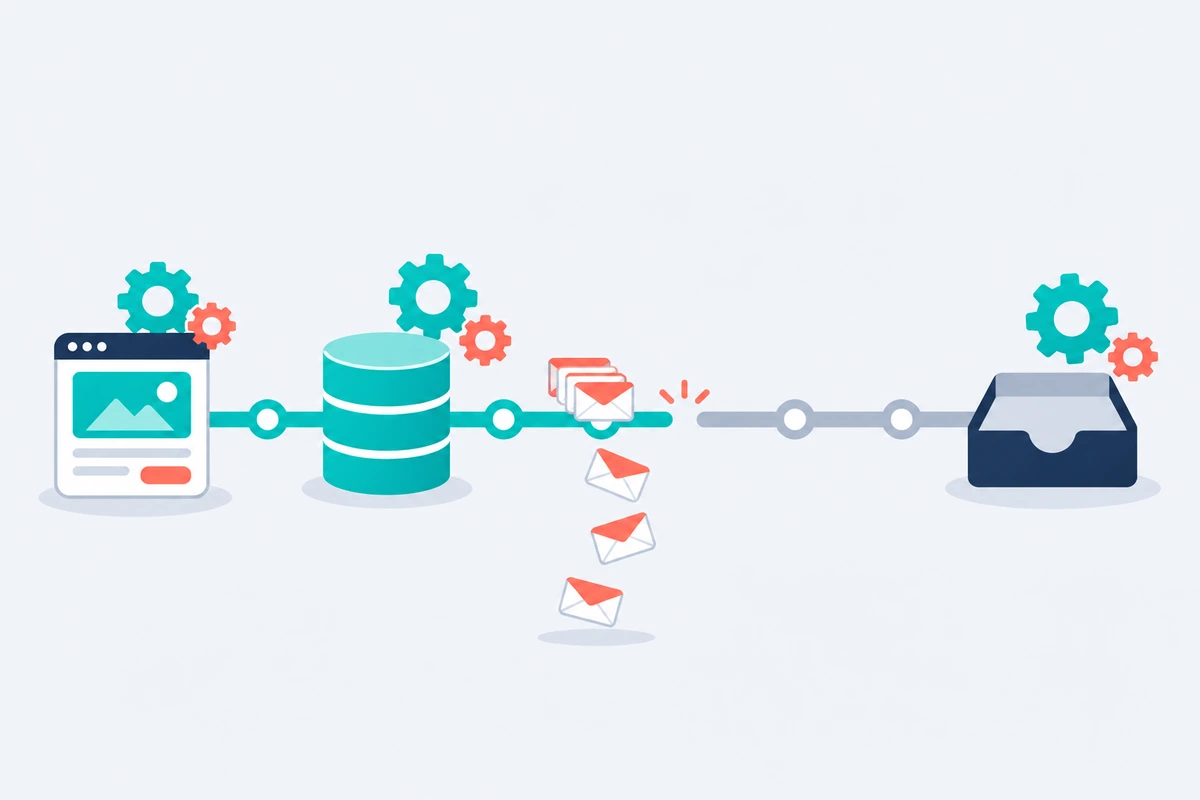
The common thread is that when these workflows break, nothing tells you. The ad platform keeps spending and the CRM keeps filling up, but the data is wrong. Finding that out three weeks later is the real cost of DIY.
The 2-minute test: DIY, freelancer or agency?
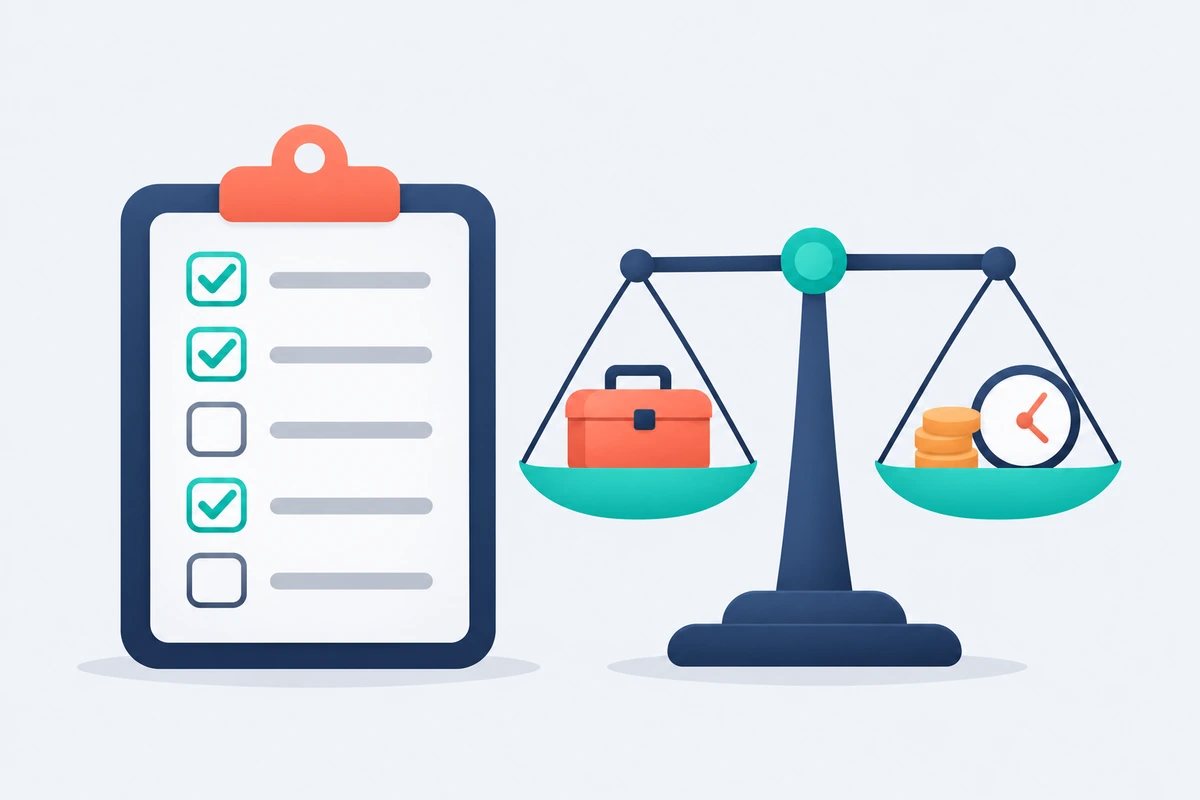
Score one point for every “yes.”
- Would a failure that runs unnoticed for 48 hours cost you leads, sales or ad budget?
- Does the workflow connect four or more tools or systems?
- Does it handle customer, payment or health data?
- Does it need logic beyond “if this, then that” (branching, deduplication, retries, AI steps)?
- Would building and maintaining it take you more than 20 hours over the next three months?
| Score | Recommendation |
|---|---|
| 0–1 | DIY. Use a template and a no-code tool. |
| 2–3 | Freelancer or a small fixed-scope agency project. Get it built properly once, with a written handover. |
| 4–5 | Agency. You need scoping, error handling, monitoring and someone accountable after launch. |
Scored 2 or more and not sure where to start? Book a free 20-minute workflow review with 500.Marketing. We’ll tell you honestly if a template will do the job.
How to choose an automation agency (if you need one)
The best way to judge an agency is to ask what happens when the workflow breaks. Anyone can build something that works in a demo.
Questions to ask before you sign
| Ask | A good answer sounds like |
|---|---|
| What happens when a step fails at 2 a.m.? | “It retries, then alerts us and you, and the failed records go to a queue to re-run.” |
| Who owns the accounts and the workflows? | “You do. We build inside your Make, n8n or Zapier account.” |
| What do we get at handover? | “A diagram, a written runbook, and a recorded walkthrough.” |
| How do you test before going live? | “With real sample data, including edge cases like duplicates and missing fields.” |
| Can you show a similar workflow you’ve built? | A specific example with the systems named, not a generic case study |
| What would you not automate here? | A real answer. An agency that wants to automate everything is selling hours. |
Red flags
- They quote before asking about your current process or data.
- Workflows run in their account, so you can’t leave without a rebuild.
- No mention of error handling, logging or monitoring.
- A monthly retainer is mandatory for a workflow that rarely changes.
- They promise “full automation” for a process that clearly needs a human check.
FAQ
How much does an automation agency cost?
A single workflow typically costs $1,500–$10,000+ as a project, depending on how many systems it connects and how much error handling it needs. Optional monitoring retainers usually run $300–$3,000 a month.
Is it cheaper to automate workflows myself?
In cash, yes. In total cost, often not. Once you count 10–40 hours to build and a few hours a month to maintain, DIY can cost more than a fixed-price build for complex workflows.
Should I hire a freelancer or an agency for automation?
A freelancer suits one clearly defined workflow. An agency suits connected, revenue-critical workflows where you need documentation, monitoring and continuity if one person is unavailable.
Which tool should I use: Zapier, Make or n8n?
Zapier is the easiest to start with. Make handles visual, multi-branch logic at a lower cost per task. n8n can be self-hosted and suits technical teams and high volumes. A good agency should build in whichever tool you’ll own long-term.
Can AI replace an automation agency?
AI assistants can now draft workflows and explain errors, which makes DIY easier for simple jobs. They don’t yet replace testing, architecture and accountability for workflows that carry revenue or customer data.
The bottom line
Automate simple things yourself and hire for the risky ones. If a broken workflow would quietly cost you leads, sales or ad budget, getting it built properly is cheaper than getting it built twice.
500.Marketing builds and maintains automation for growing businesses: lead routing, CRM and WhatsApp workflows, ad conversion tracking, and AI-assisted operations in n8n, Make and Zapier. Everything is built in your accounts, documented, and handed over.
Get a free 20-minute workflow review → We’ll tell you whether to build it yourself, hire a freelancer, or work with us.
Want this run on
your accounts?
Tell us what you're working on and we'll suggest a useful next step.